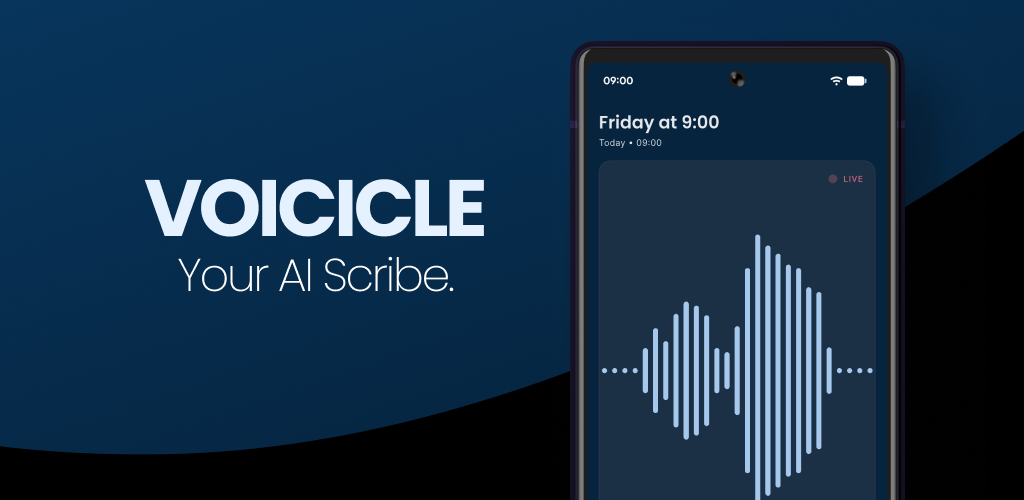
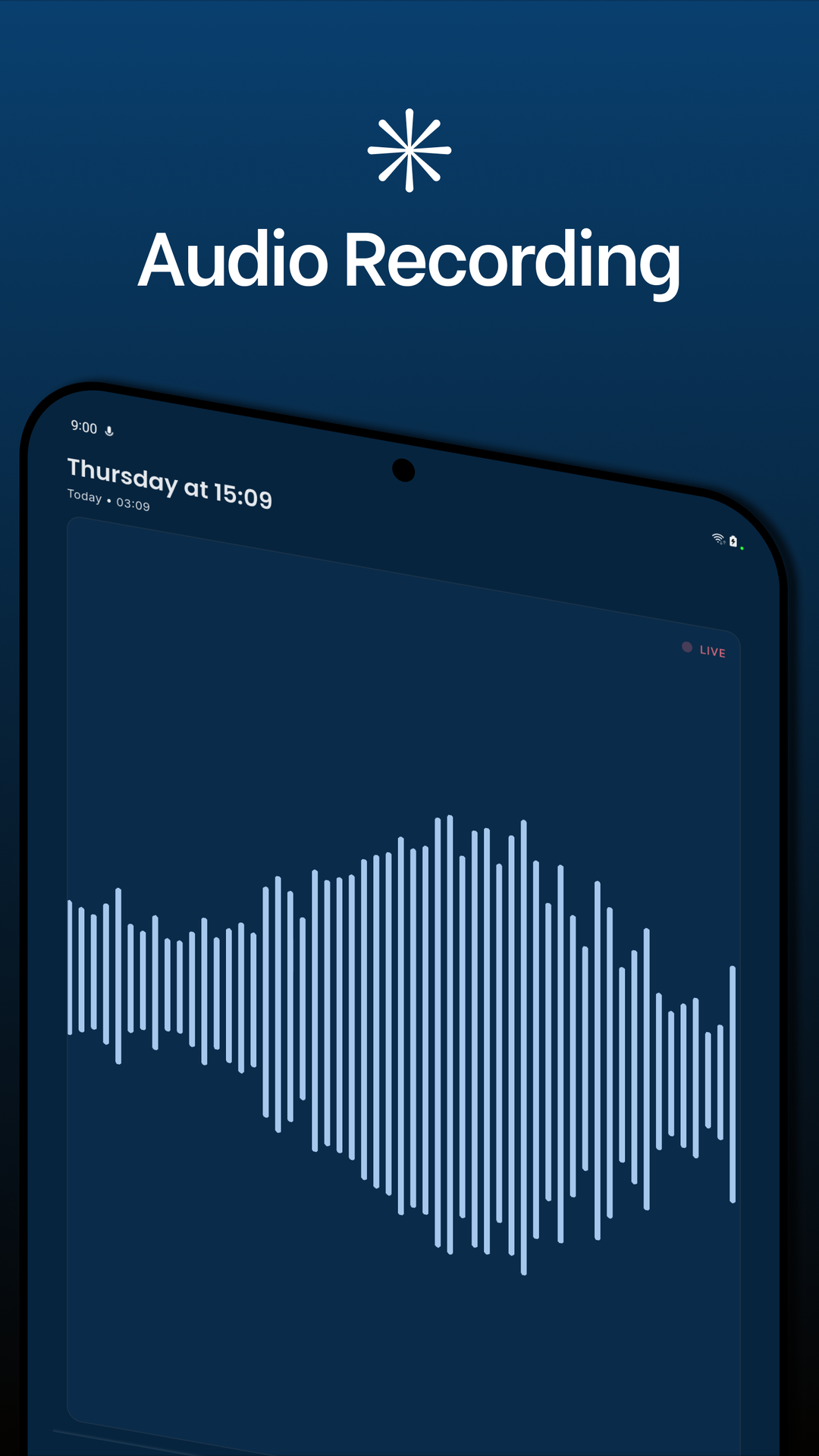
One-tap recording
Launch the floating mic and capture conversations instantly across Android and iOS beta builds.
 Voicicle
Voicicle blends crystal-clear recordings, speaker-aware transcripts, and action-ready summaries into one focused mobile app. Schools and teams can capture conversations, document family meetings, and share plans minutes after the bell.
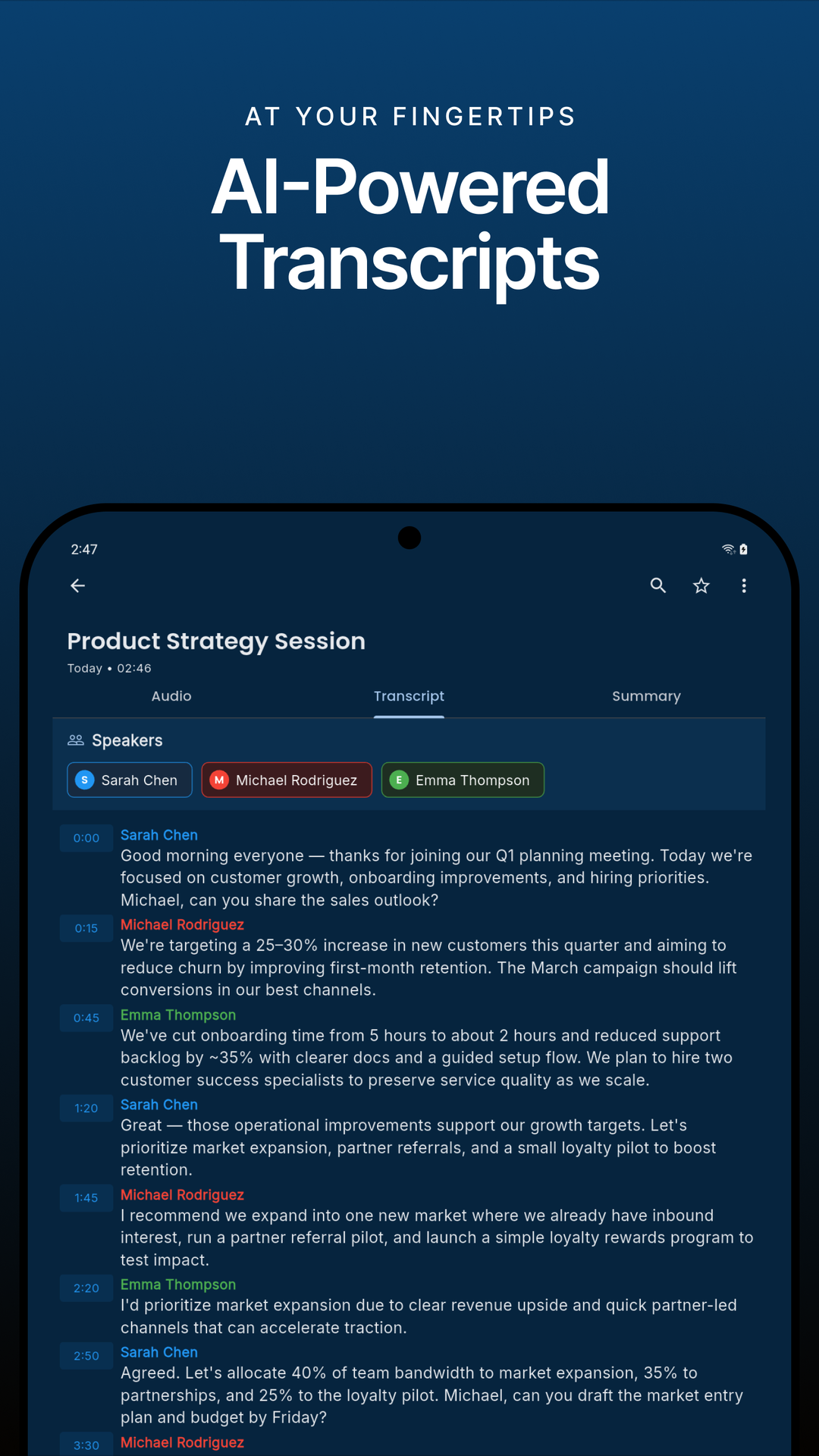
Automatic detection with quick manual overrides keeps every quote attributed.
Outline commitments for parents, pastoral teams, and leadership instantly.
Shared usage tracking across Android and iOS devices keeps teams on budget.


These are live screens from the Android build mirrored on iOS so you can trust what launches.
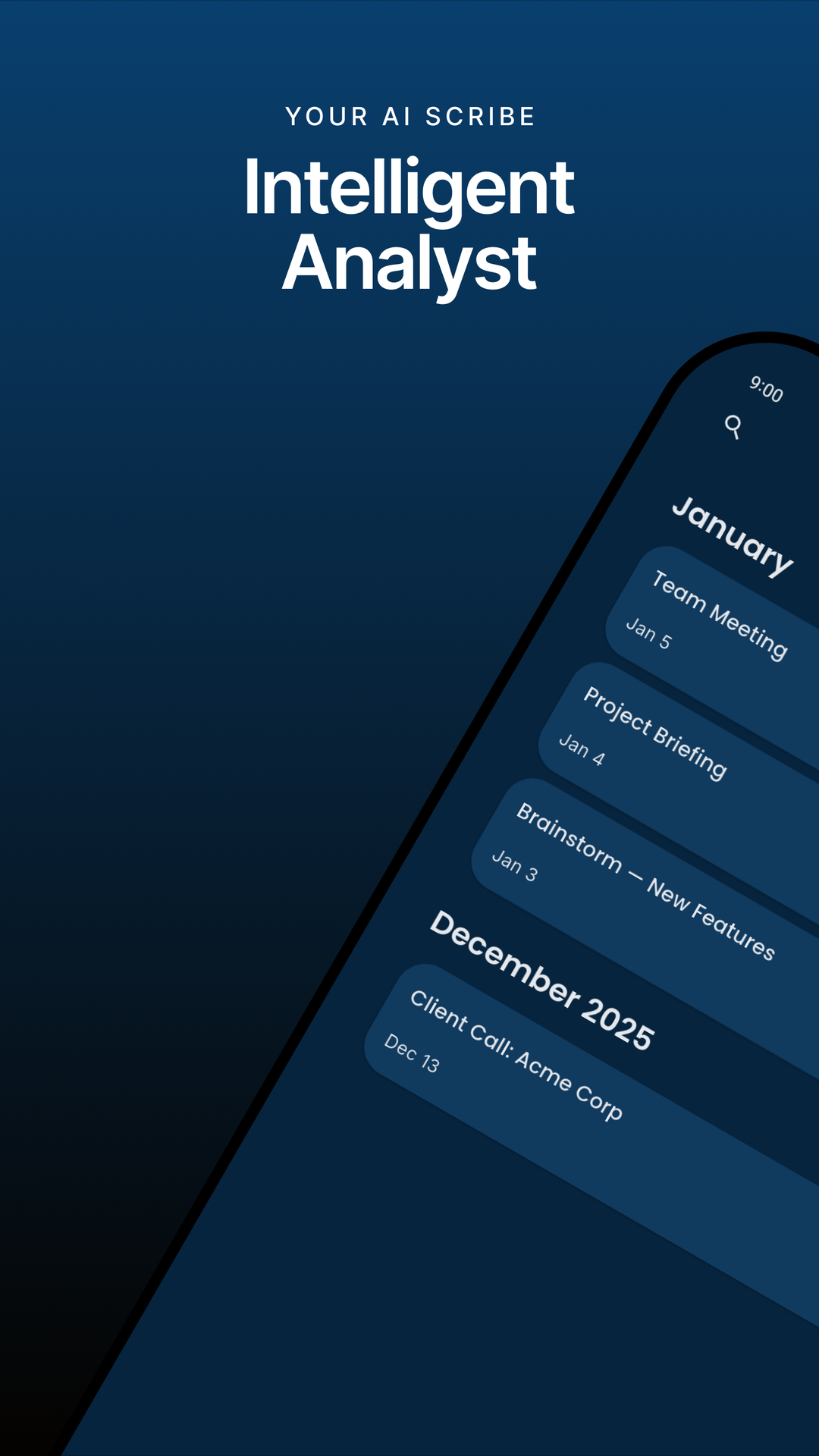
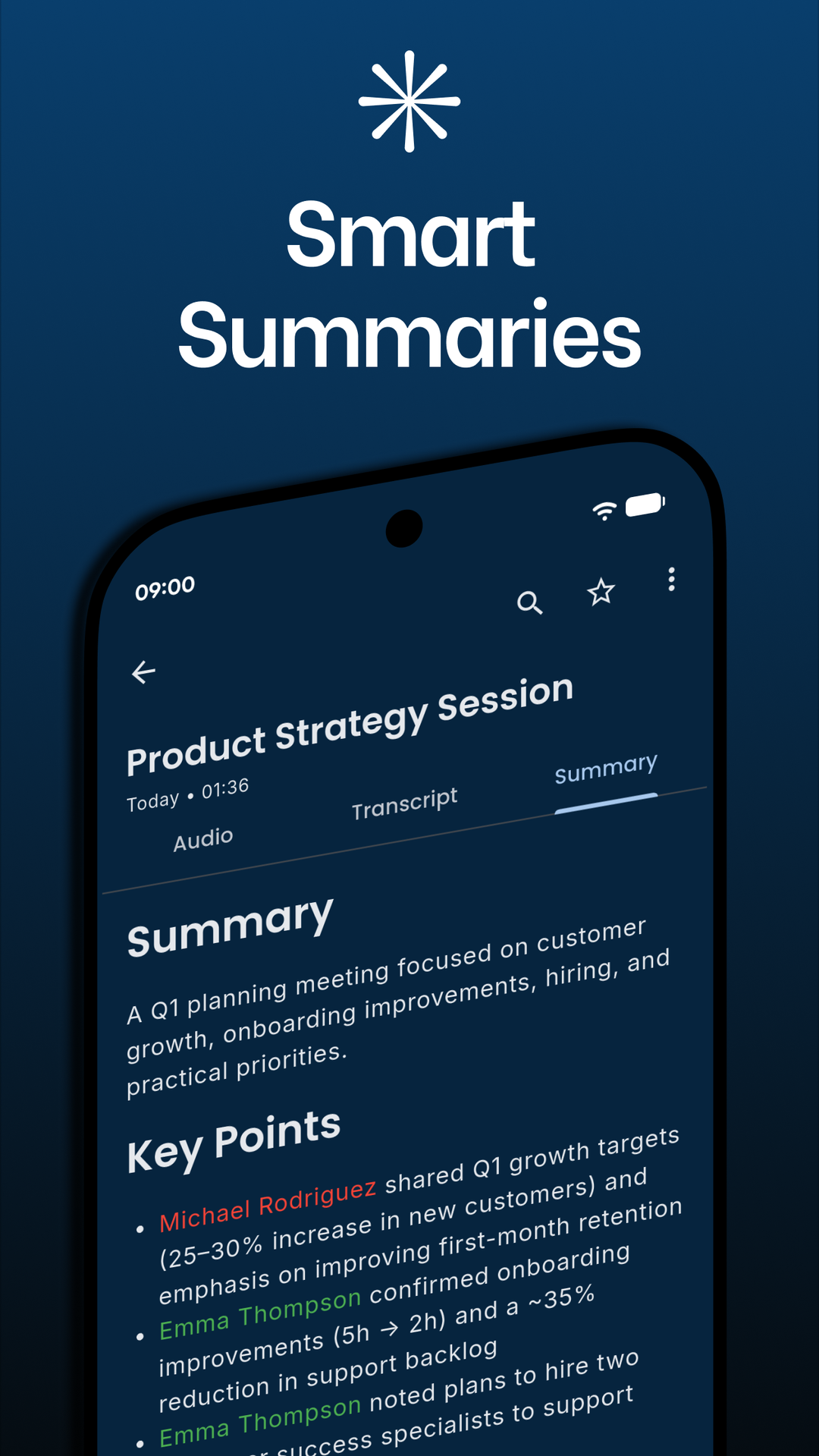
Every element of the app is tuned to make post-meeting work effortless—from capture to insight on Android and iOS.
Launch the floating mic and capture conversations instantly across Android and iOS beta builds.
Automatic speaker detection, manual overrides, and color coding keep every quote attributed to the right student, parent, or staff member.
Zoom through the meeting timeline with smooth waveform scrubbing, see peaks at a glance, and jump directly to any moment.
Automatic labels, inline editing, and instant search make building pastoral or safeguarding notes effortless.
Send transcripts through our summarization pipeline to generate polished briefs, key decisions, and action items in seconds.
Star favorites, manage tags, export transcripts, and keep descriptions synced across leadership devices.
Streamlined experiences built for speed, accuracy, and accountability.
Hit record, pause, or resume from anywhere—even your notification shade. Recordings save safely in the background while metadata updates automatically.
Review an interactive waveform, follow highlighted transcript segments, rename speakers, and jump to the timestamp you need.
Generate a briefing, capture key points, star the session, or export the transcript for safeguarding systems and parent follow-ups.
Voicicle keeps the entire school community in sync by capturing high-context discussions and turning them into action plans.
Track conversations with families, detail agreed actions, save hours of manual note-taking, and keep records audit-ready.
Each plan unlocks 10 hours of transcription per month (120 hours for annual) and all features on Android (iOS under development).
Only audio processed for transcription counts toward your monthly or yearly allocation. Currently there is no top-up if you run out early and unused hours do not roll over.
No ads, no data resale, private local storage by default, and clear ownership of your recordings. Optional encrypted Cloud Sync is available with Premium for safeguarding-sensitive workflows.
The app is subscription funded—no distracting banners or upsells during critical meetings.
Your transcripts and summaries are never packaged or sold to third parties.
Recordings, transcripts, speaker metadata, and summaries are stored securely on your device by default. Premium subscribers can optionally enable encrypted Cloud Sync, with backups stored in the UK.
Summaries run through our private API so you stay in control of where data travels.
Delete any recording or transcript at any time—deleted content is permanently removed.
Foreground service integration keeps captures running even when you switch apps.
Everything you need to know about quotas, speaker names, summaries, and privacy.
Speaker names are only applied if the speaker introduced themselves or was named by another participant. If the name still wasn't applied, you can select the default name in the transcript to set the name.
Click the refresh icon at the bottom of the transcript or summary.
Only audio processed for transcription counts toward your monthly or yearly allocation.
The monthly plan allows for 10 hours of transcripts per month. The yearly plan allows for 120 per year.
Summaries are generated automatically with the transcript. Regenerating a summary is not available as a free feature; it is currently limited to development use.
Currently there is no way to top up a subscription.
Currently, unused hours do not roll over.
By default, recordings, transcripts, speaker metadata, summaries, and related data are stored privately on your device. With an active Premium subscription, you can optionally enable Cloud Sync to back up this content to the cloud.
Cloud Sync is an optional Premium feature. When enabled, your recordings are encrypted before upload and stored in the UK, together with their transcripts, summaries, assigned speaker names, waveform data, and related metadata. If your subscription ends, the cloud copy is deleted after 90 days; recordings stored on your device are never affected.
No. Your recordings and transcripts are processed only to generate your transcript and summary. They are not used to train public AI models.
Yes. You can delete recordings at any time from within the app. Deleted content is permanently removed.
Audio is uploaded temporarily so the transcript can be generated, and that processing copy is deleted when transcription is complete. If you enable Cloud Sync with an active Premium subscription, an encrypted backup copy may also be stored in the cloud in the UK.
No. Voicicle uses a foreground service to keep recordings active even when your screen is off. If another app accesses your microphone, the recording may be paused so be sure to resume it after finishing with the other app.
Voicicle saves audio in resilient session blocks, so you won't lose the entire recording.
No. Voicicle records in-person or speakerphone conversations initiated manually within the app.
Yes. Transcripts and summaries can be exported as text for sharing or archiving.
By default, they remain private and stored on your device. If you enable Cloud Sync with an active Premium subscription, recordings and transcripts, along with summaries, speaker names, waveform data, and related metadata, are encrypted and backed up to the cloud so they can be restored on a signed-in device. If Cloud Sync is not enabled, uninstalling and reinstalling the app will not restore your data.
Deploy Voicicle to your staff and guardians and watch the follow-up emails write themselves.